CartoStar in iMessage and App Clips: find a place, start a conversation
A personal map is even more interesting when you have someone to share it with.
“Where should we go?” is a good conversation to have. CartoStar gives you a new way to start it: send your top three places in Messages, invite someone to compare destinations, or share a link that lets them try a quick discovery of their own.
Messages and the App Clip are part of CartoStar’s November updates, introduced in iOS 1.13 and included in the 1.14 feature set. Here’s how to use them.
My places: send the shortlist
Open CartoStar from the apps menu in a Messages conversation. The experience has three tabs: Stickers, My places, and Us two. My places puts your three destinations into a card that you can add to the conversation.
It’s a smaller, more useful starting point than asking someone to read a whole map. A friend can see the places you’re considering, and you can talk about what appeals to you. You can also begin from Scout in the full CartoStar app and share your results from there.
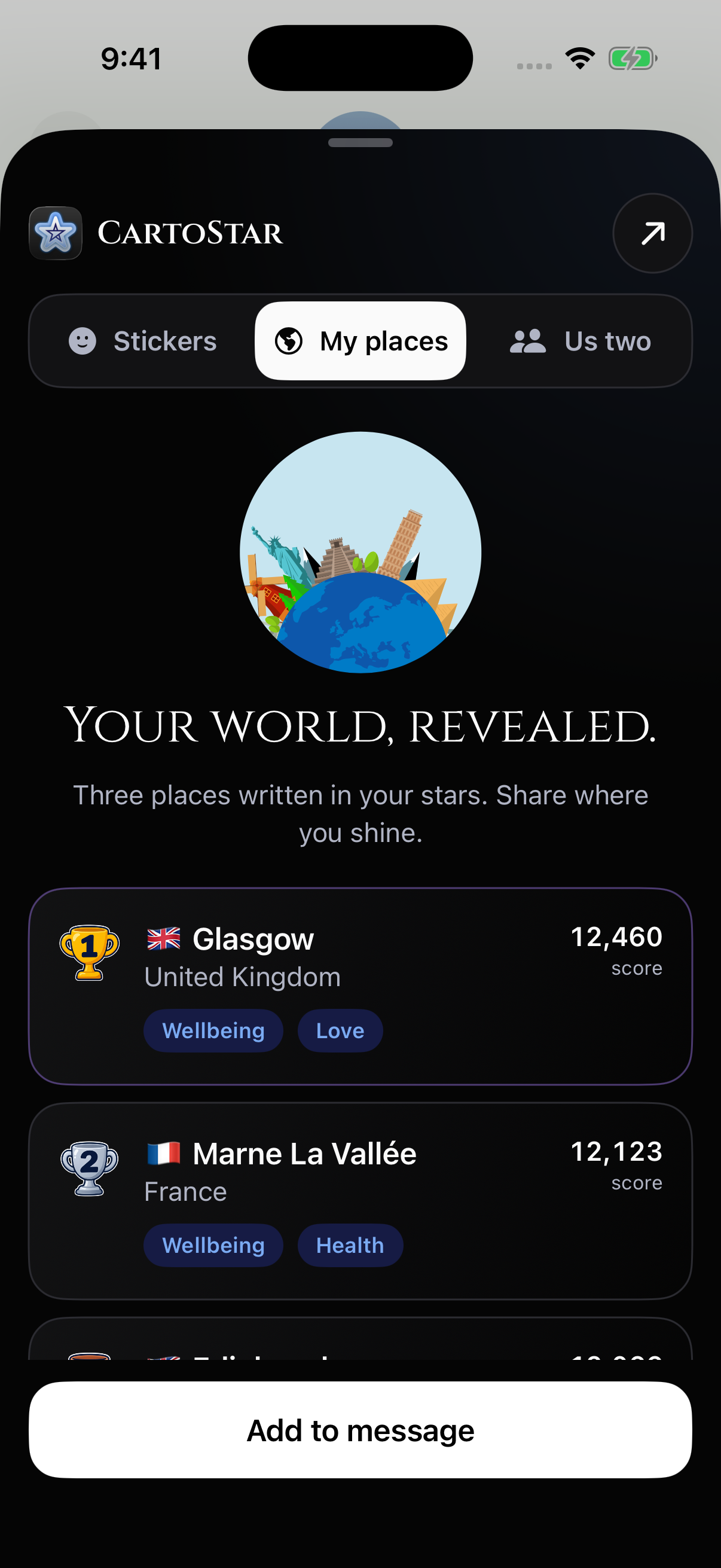
The destinations in this screenshot are an example. Your results depend on the birth details you enter, so take a moment to check the time and birthplace before sharing your card.
Us two: give the plan a purpose
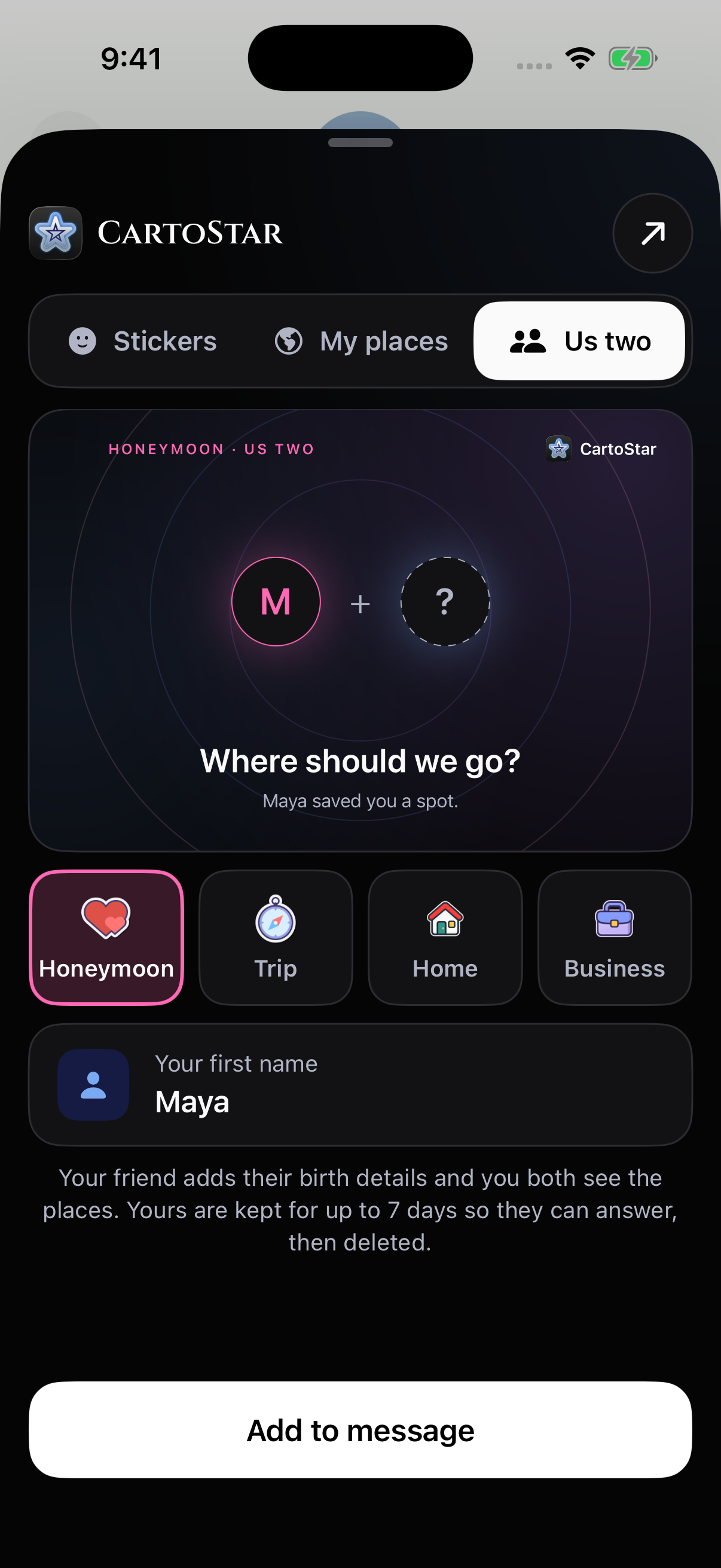
A honeymoon and a business trip ask different things of a destination. Us two starts with that distinction. Invite someone to explore places for a honeymoon, travel, a new home, or business, then use your results as a starting point for the conversation.
The invitation is personal: it’s about the two of you and the kind of place you want to find. The share action stays at the bottom of the experience, and the shortcut in the header takes you into CartoStar when you want to explore further.
For a deeper explanation of comparing two maps, read our guide to astrocartography for couples.
Sometimes a sticker says enough
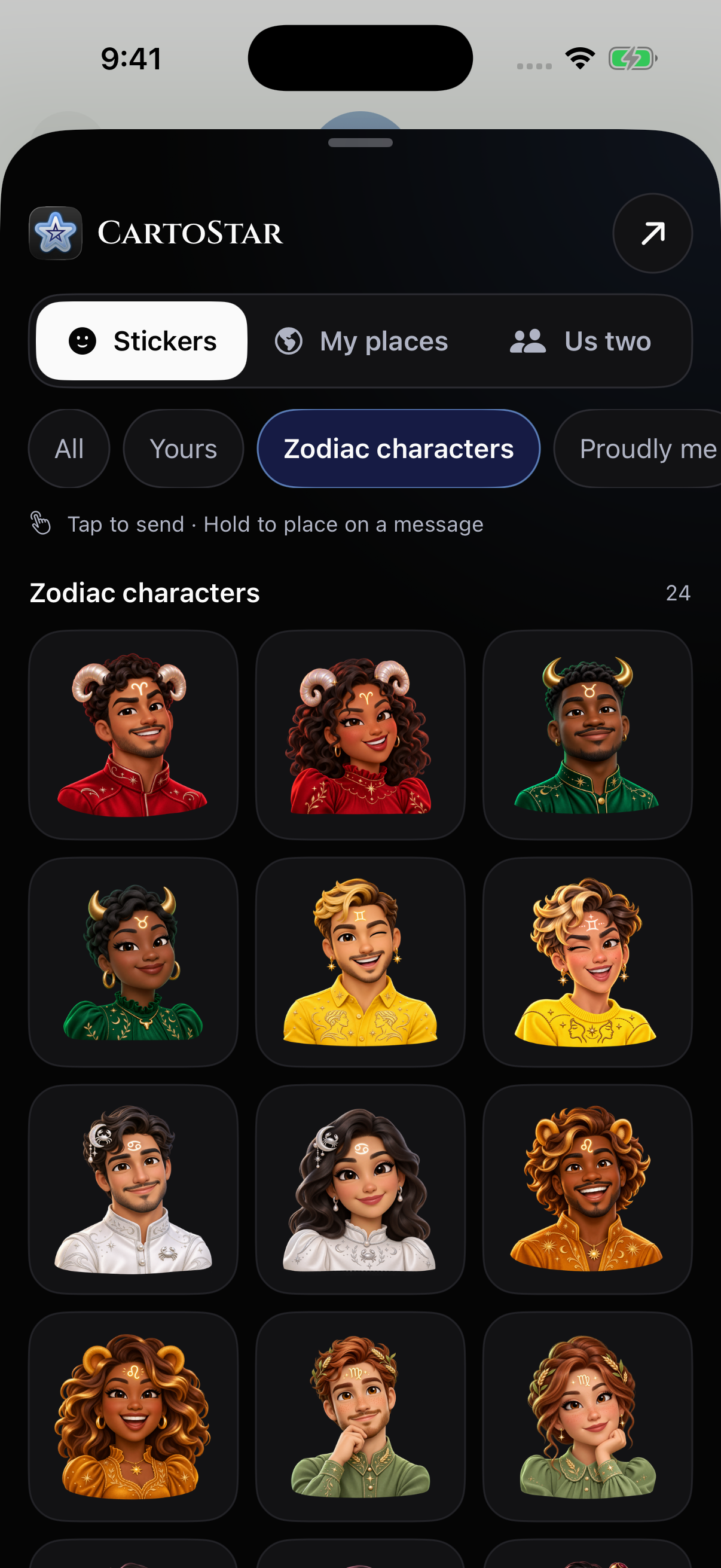
The Stickers tab includes 86 CartoStar stickers: zodiac symbols, sun-sign traits, zodiac characters, planetary lines, and travel favorites. Send one on its own, or add a little personality to the conversation around your destination card.
An App Clip for the friend who’s just curious
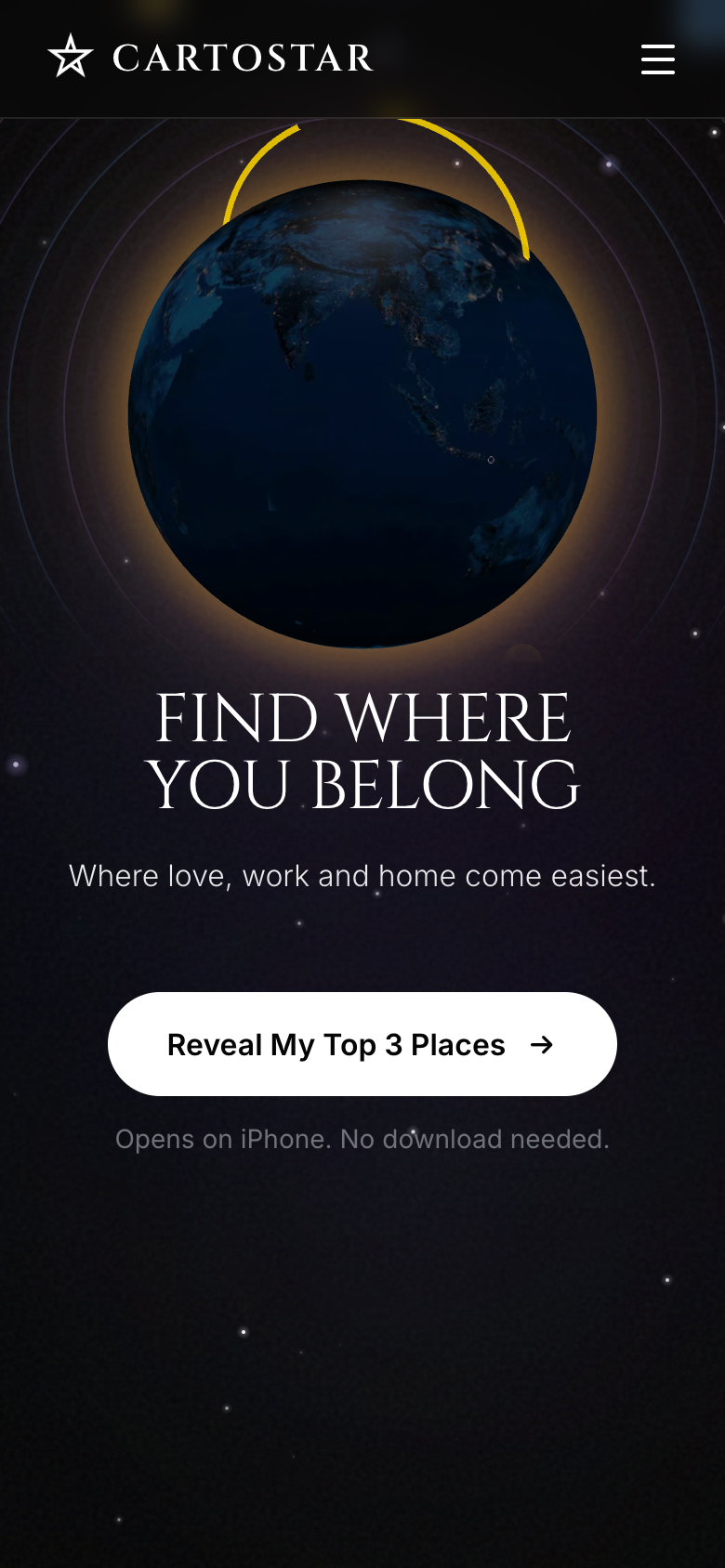
You don’t need to start with a full installation to see what CartoStar is about. Open Top Places on your iPhone and choose “Reveal My Top 3 Places” to begin the App Clip experience. If you’re reading on a computer, the Top Places page includes an App Clip Code you can scan with your iPhone.
Enter your birth details to discover three major cities in different countries. This quick result gives you a manageable starting point for exploration. It is separate from the full Scout experience, where you can compare more cities and categories.
Your result’s web page offers sharing options, including cards and videos. If you decide to install the full CartoStar app, the App Clip can carry your birth details into onboarding so you can continue with the information you already entered.
Let the conversation lead somewhere
Try your own Top Places result, share the card, and ask which city catches your friend’s attention. If you want to explore together, start an Us two invitation. When you’re ready for a broader view, the full app brings you back to the globe, Scout, and your planetary lines.
Which three places are yours?
Start a discovery on iPhone, then share somewhere worth talking about.
Reveal my top three placesGet the full CartoStar app →