Your world, with more ways to explore it
A familiar map. A place worth sharing. A new way to discover it together.
Sometimes you want to spin the globe and see the bigger picture. Sometimes you want to follow a line across a familiar map, compare two places, or send a friend the city your chart picked. This month’s updates make those moments easier to move between.
Available now: iOS 1.13 is live, alongside the latest web and App Clip updates. We’re preparing 1.14 with more adaptable layouts for compact and expanded windows; that version is not yet released.
A globe for perspective. Flat Map for the details.
Flat Map gives you another way to explore the same world. Switch from the 3D globe to a familiar flat view when you want to follow coastlines, compare nearby cities, or trace a planetary line across a region. Switch back when you want the global perspective again.
On the web, the map control switches between 2D and 3D. You can start exploring before entering birth details, then add your chart to see your personal lines. Changing the view changes the map projection, not your birth chart.
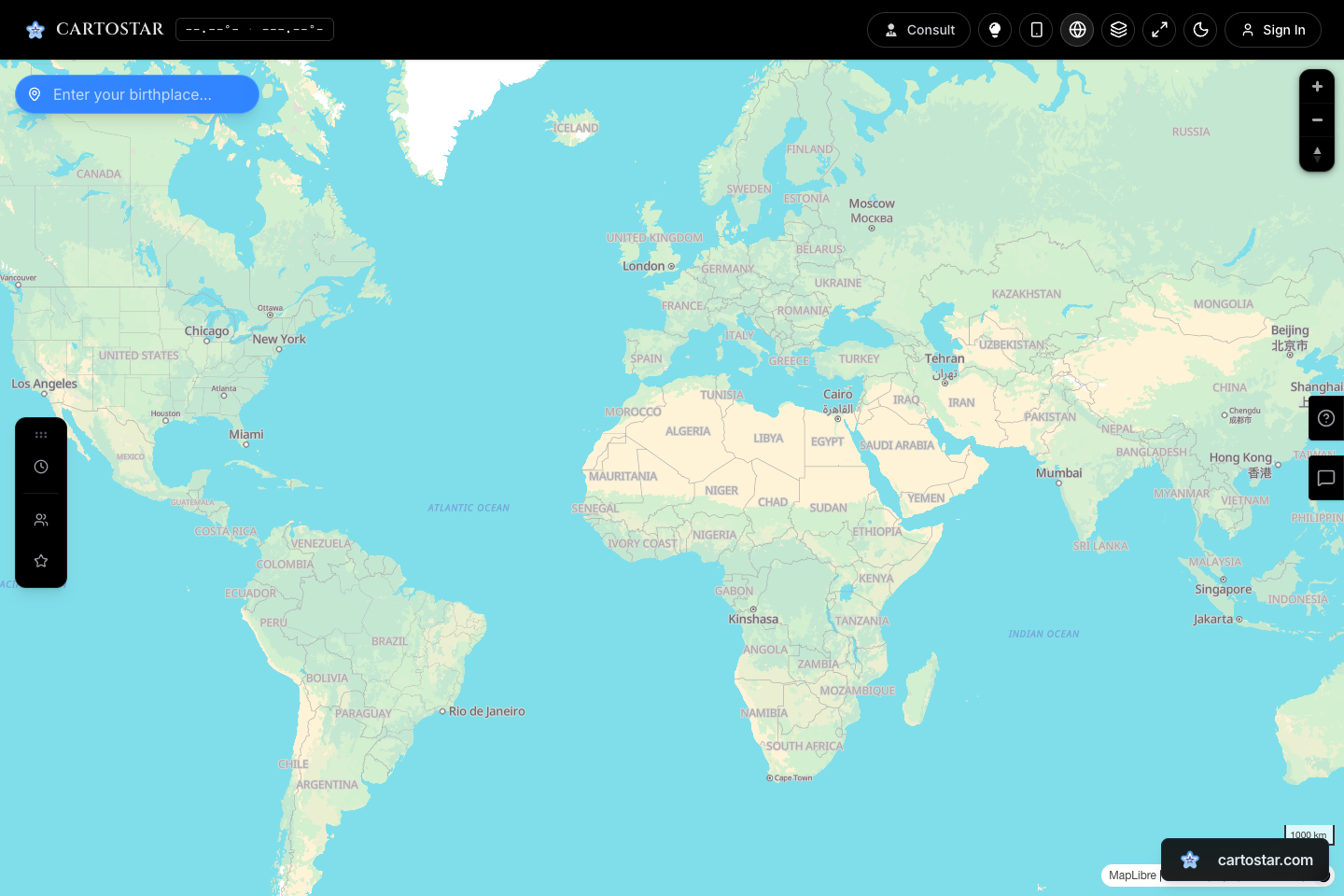
The map also received fixes for paran and zenith latitude circles, along with clearer information when you select a zenith marker. These are small details that matter when you’re moving between a broad overview and a specific location.
Compare places with a chart that follows you.
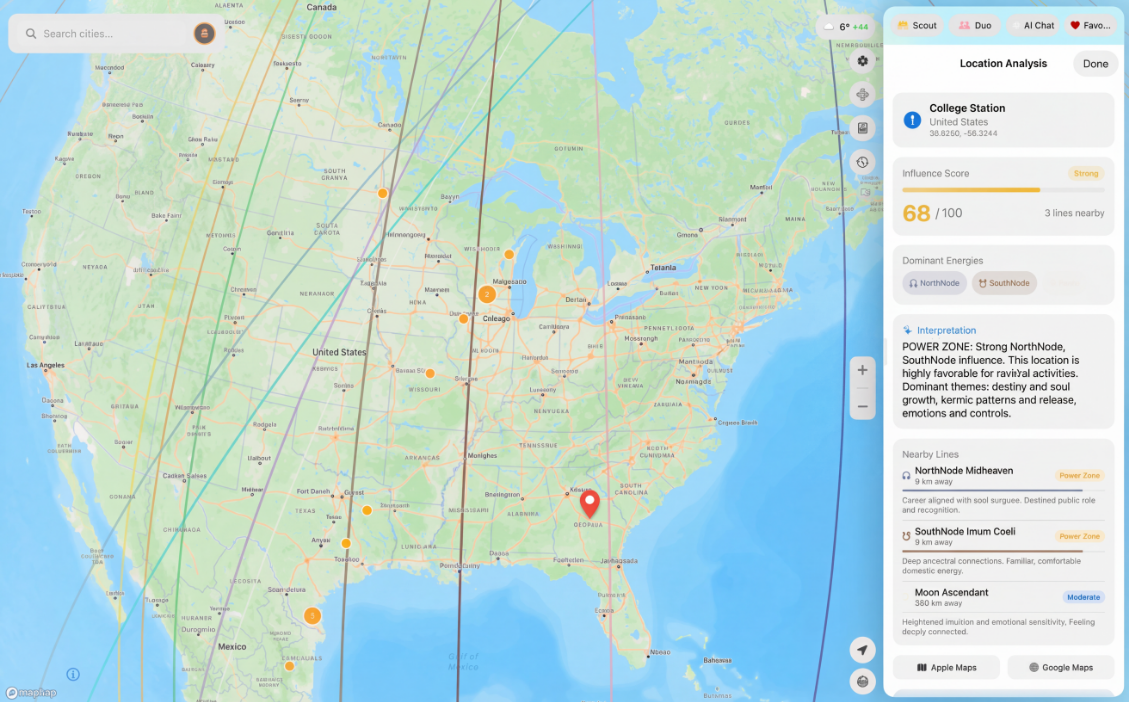
Live relocation charts on iPad let you explore how a chart changes with location. Move across the map to preview a relocated chart, then pin a place when you want to hold that comparison still. Unpin it to keep exploring.
The map and side panel give each other room, so you can keep the place in view while reading its details. November’s updates also improved the panel’s background and the visibility of map overlays.
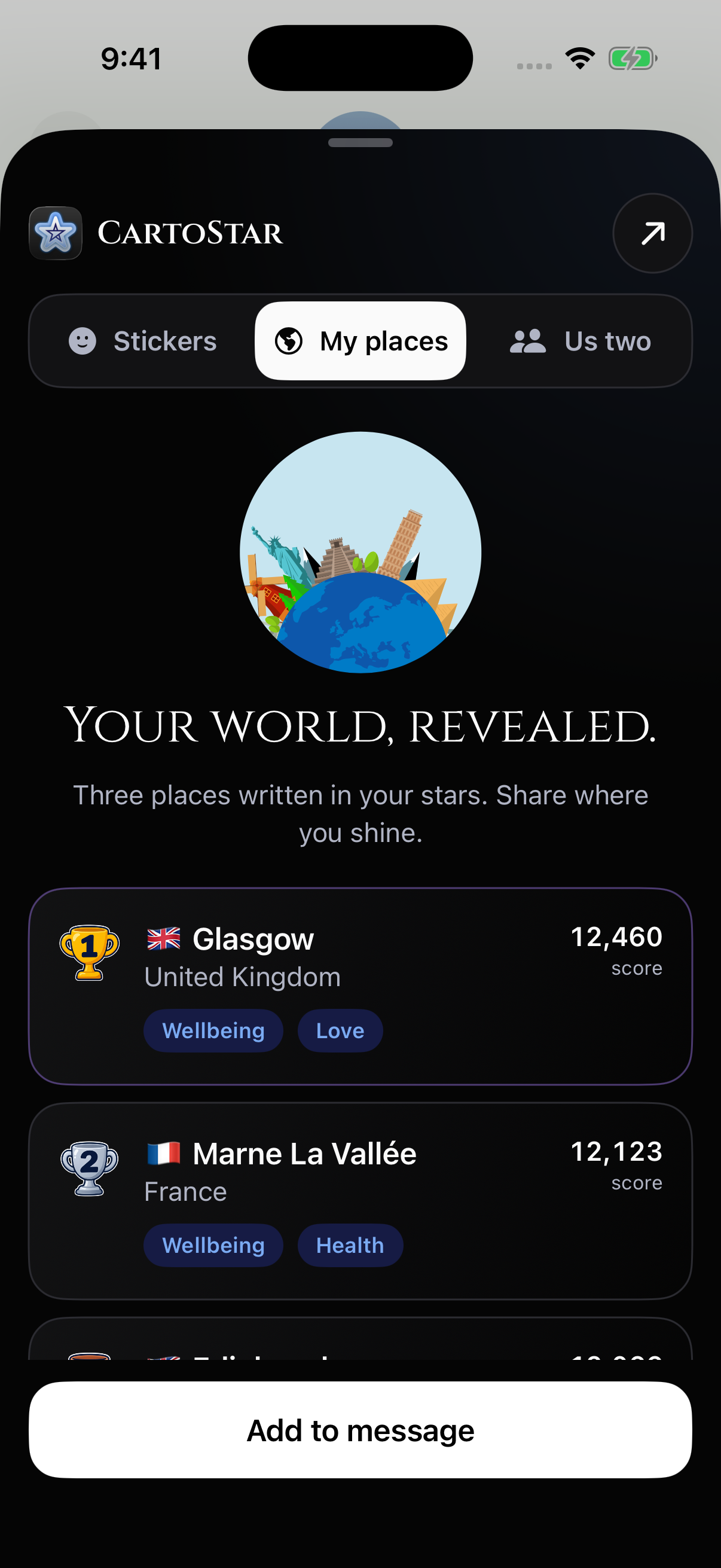
Three places. Three countries. A quick first discovery.
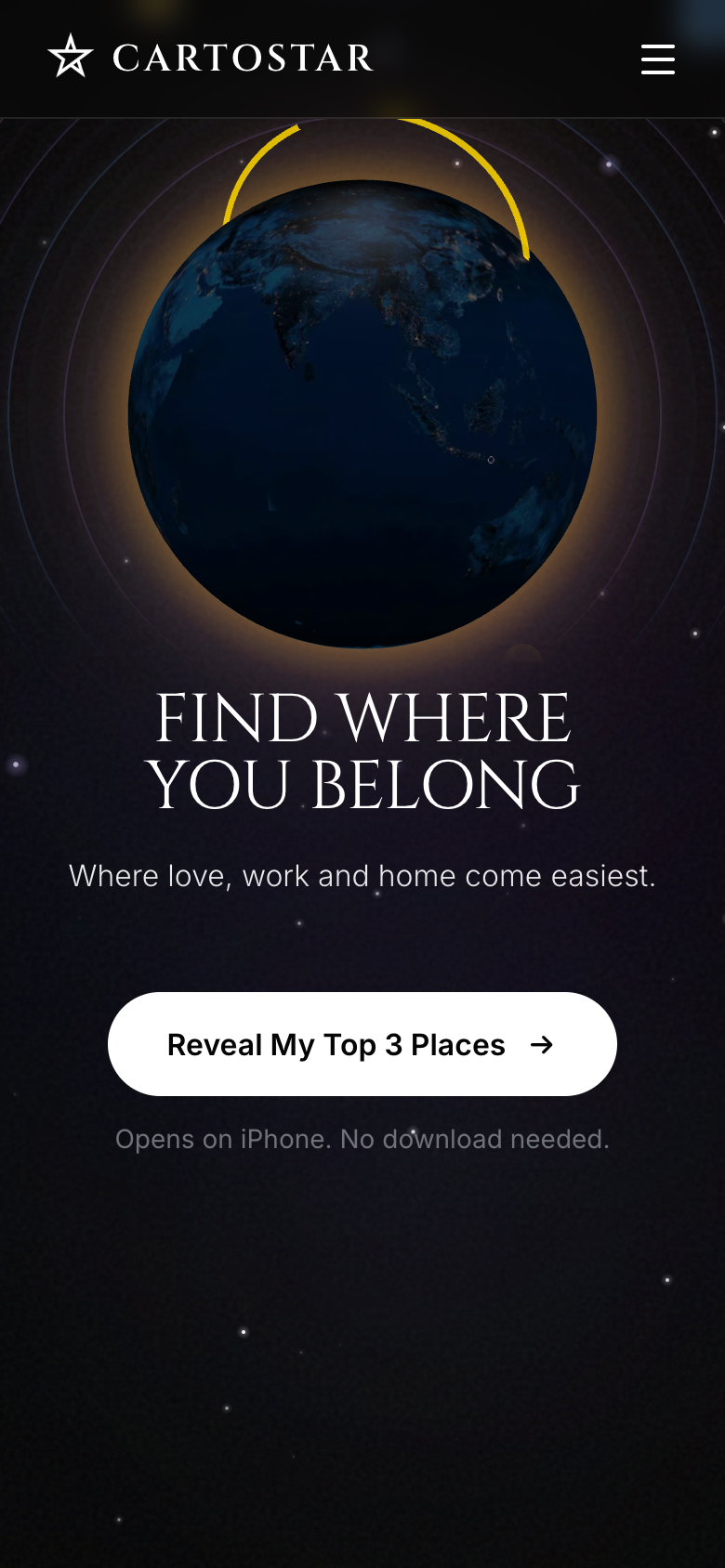
Open Top Places on your iPhone to discover your cities with the CartoStar App Clip, without installing the full app first. On a computer, scan the official circular App Clip Code with your iPhone.
This quick discovery now ranks a shortlist of 1,136 major cities with populations of at least 500,000 and chooses the three highest-ranked results from different countries. It gives you a more varied starting point. The full city catalog remains available to the broader scouting system.
The landing page now shows a globe preview while its interactive globe loads. The reveal button responds immediately, keeps retries available, and gives you a way forward if the native handoff takes longer than expected.
When you install CartoStar, the App Clip can hand your birth details to the full app so onboarding can pick up with information you’ve already entered.
Your places belong in the conversation.
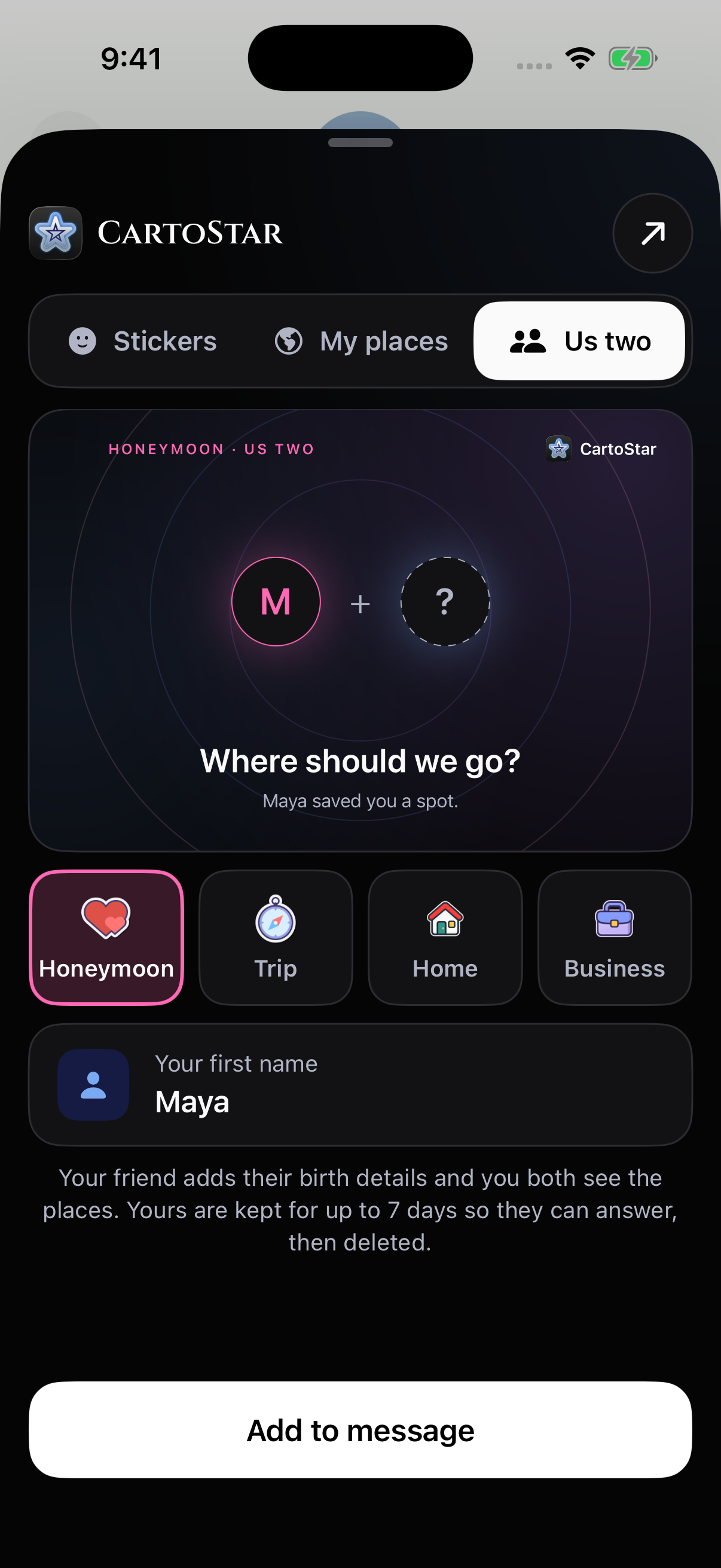
CartoStar now lives inside Messages, with three tabs: Stickers, My places, and Us two. My places opens by default in the center. Share your top three destinations as a card, or start from your Scout results in the full app.
Us two invites someone to explore destinations together—for a honeymoon, a trip, a home, or business. Personalized invitation cards put the people and the purpose first. The sharing action stays reachable at the bottom, and a header shortcut takes you into CartoStar.
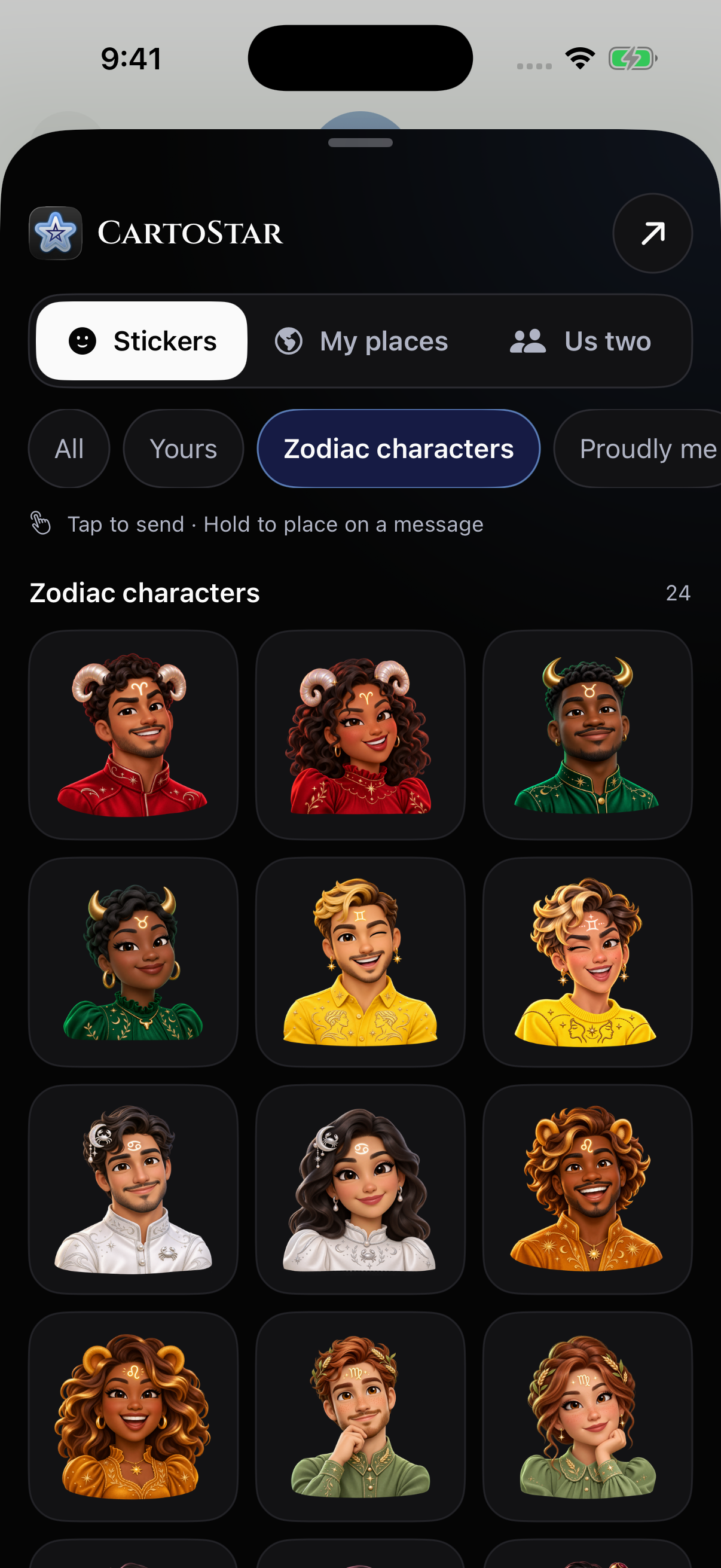
There are 86 stickers to choose from: zodiac symbols, proud sun-sign traits, playful off-duty captions, male and female zodiac characters, planetary lines, and travel favorites. Each zodiac character has its own sign-inspired outfit colors.
Next in 1.14: a result you can take with you.
The sharing flow prepared for 1.14 connects App Clip results to the same Top Places page, with your destinations and an invitation for the next person to find theirs. From the result’s web page, you can create downloadable Story cards and short videos, then share them using the options available on your device.
The public link uses a result identifier rather than putting your birth date, birth time, or birthplace in the URL. Downloading a card or video does not publish it to a social account—you decide where it goes.
Keep Local Space close at hand.
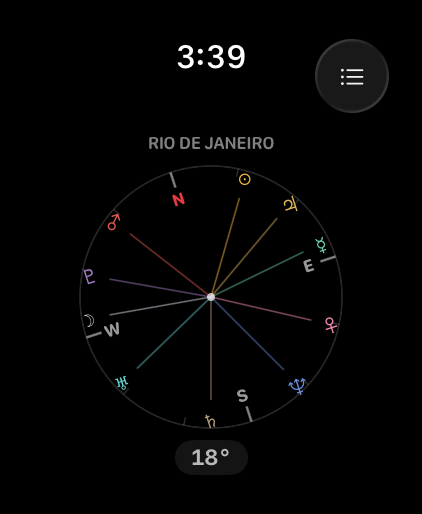
Beyond the map, Local Space offers a more immediate way to explore planetary directions. CartoStar’s Apple Watch companion brings that compass experience to your wrist.
We’ve refreshed the store’s Watch screenshots this month so you can see the native Local Space interface across supported display sizes.
Coming in 1.14: room to open up.
We’re adapting the tablet interface for windows that expand and contract, including iPhone Duo opened horizontally, opened vertically, and closed. Expanded layouts keep the map beside its panel; compact layouts use the familiar phone interface. Search cards, paywalls, tooltips, and the draggable chart respond to the space available.
We’re testing these layouts across folded and unfolded views before the 1.14 release. The screenshots in this article show the existing iPhone, iPad, Watch, and web experiences.
The quieter improvements matter too.
Scout now uses the selected chart’s natal data from the first run and after switching charts. Duo interprets a partner’s birth time using the time zone of their birthplace. Native purchase screens show clearer trial and plan information, and chat cancellation no longer interferes with the next reply.
On the web, pages retain their prerendered content while the app starts, and mobile onboarding, map controls, and chart calculations received further fixes. Together, these updates make it easier to get from a question about a place to a result you can explore.
Astrocartography offers a way to reflect on places through astrology. A city’s ranking is an interpretation, not a promise about what will happen there.